Modrinth Hosting in the App
Buy, setup, and manage your server all in the Modrinth App.
Posted on April 12, 2026 josh11
 IMB11
IMB11 truman1
 fetch
fetch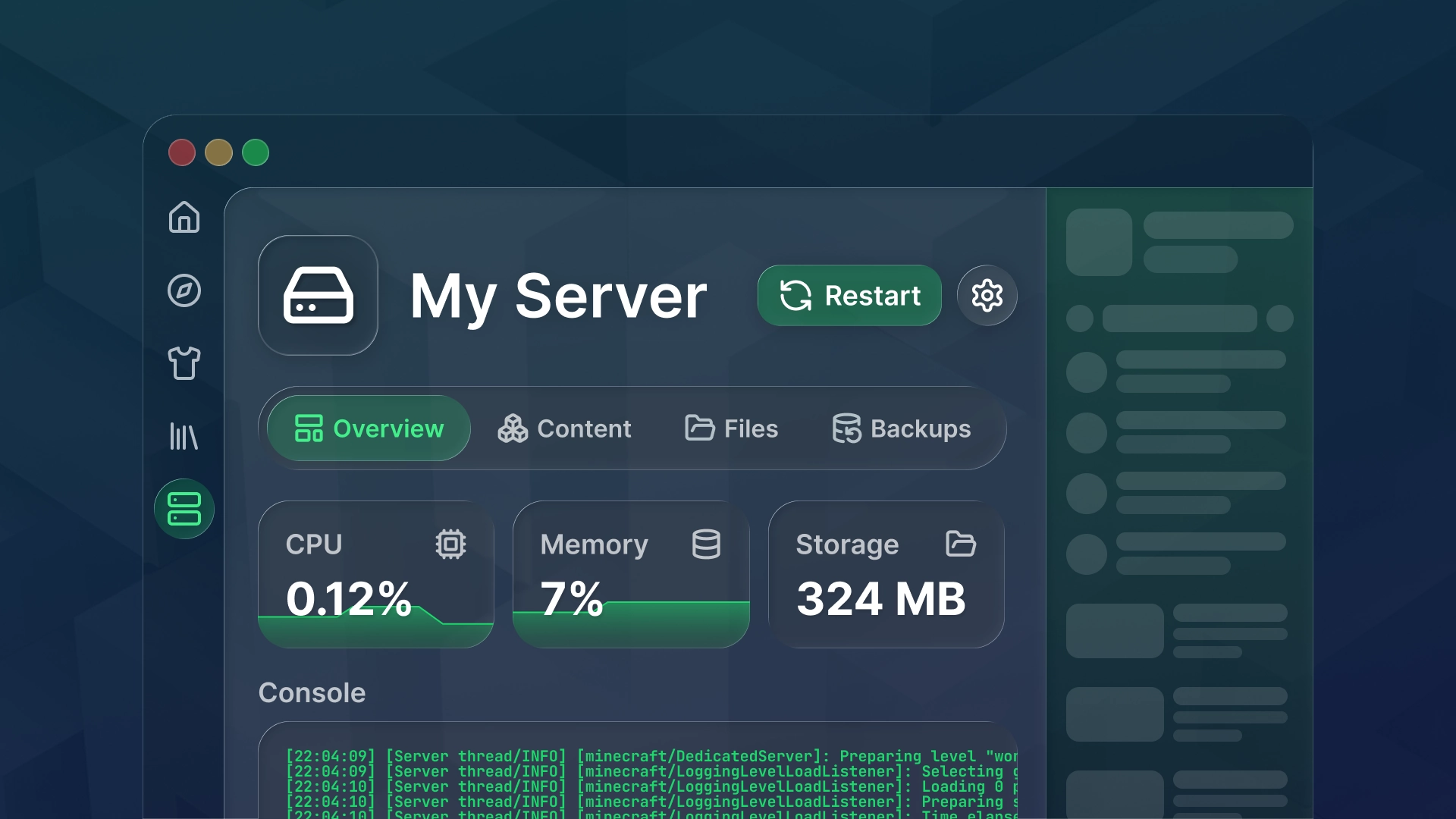
This update brings Modrinth Hosting into Modrinth App and is a big step towards our vision for both products. You can now purchase a server, set it up, play without bouncing between the website and the app!
This release also includes a redesigned server console which has been brought over to the logs page in instances.
Tl;dr
- Modrinth Hosting in the app
- New Modrinth Hosting page and server card states
- New server purchase flow
- New server resubscribe flow
- Overhauled server settings
- New server console and instance logs page
Modrinth Hosting Page
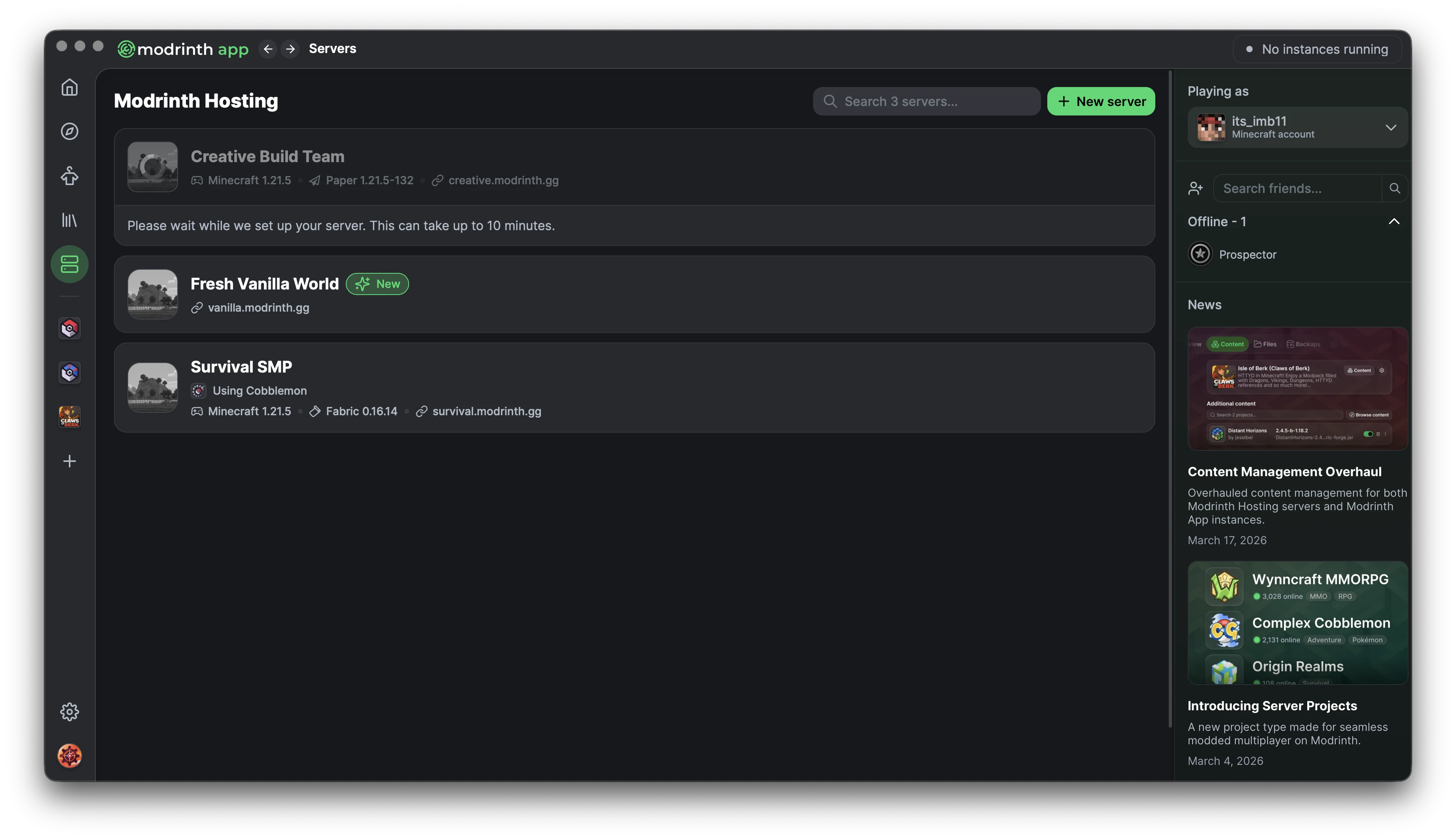
The Modrinth Hosting page has gotten a fresh coat of paint, with new server card states like server provisioning and upcoming cancellation.
Server Purchase Flow
Along with managing your server in the app, we also wanted purchasing to happen here. You can select a plan, enter your payment details, and purchase a server without going to the website.
This includes a new plan selection screen at the start with sign-in checks, which will also be used when upgrading your server.
Server Console + Instance Logs
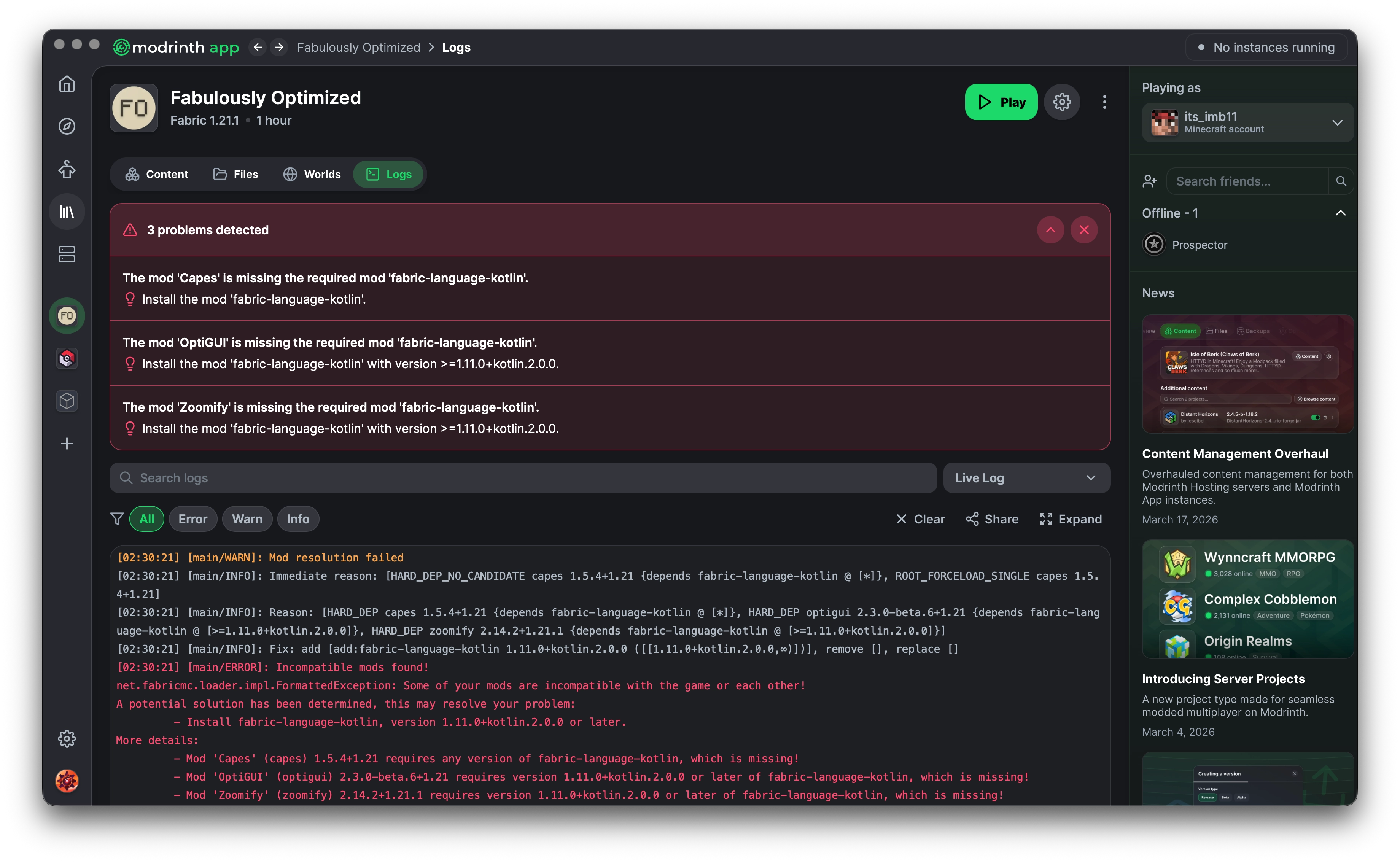
The server console also got full overhaul because it honestly sucked. We’ve reimplemented it and brought the same experience over to the logs page in instances. Some of these features existed in one place or the other, but now they’re consistent across both.
- Filtering
- Text wrapping
- Per-character text copying
- Better warning and error highlighting
- Crash detection
- Controls in the expanded view
Server Settings
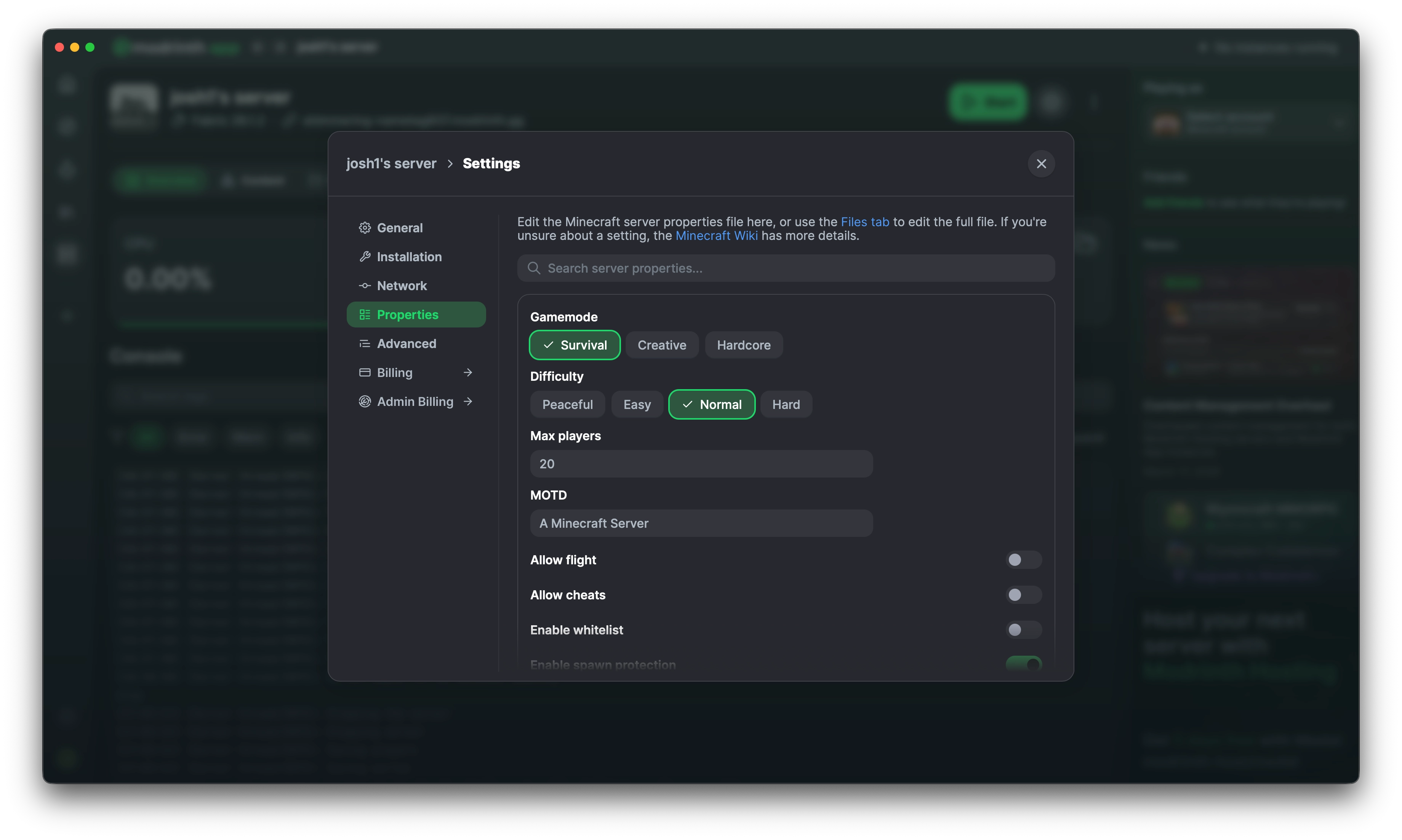
Lastly, we overhauled the server settings pages. In the app we have to be careful with navigation depth, so settings now live in a modal similar to instance settings. This makes it easier to edit things in context, like settings for a linked modpack.
Along with this, most pages got a visual refresh and some settings have been reorganized. We wanted to simplify things for the average user, so advanced options now live on their own page.
The properties page also got a big overhaul. We’ve split out many of the more complex server.properties options and kept this page focused on what most users actually use. You can still edit everything directly in the file!
—
That’s everything from us! Have a good week!